Thursday, 1 December 2011
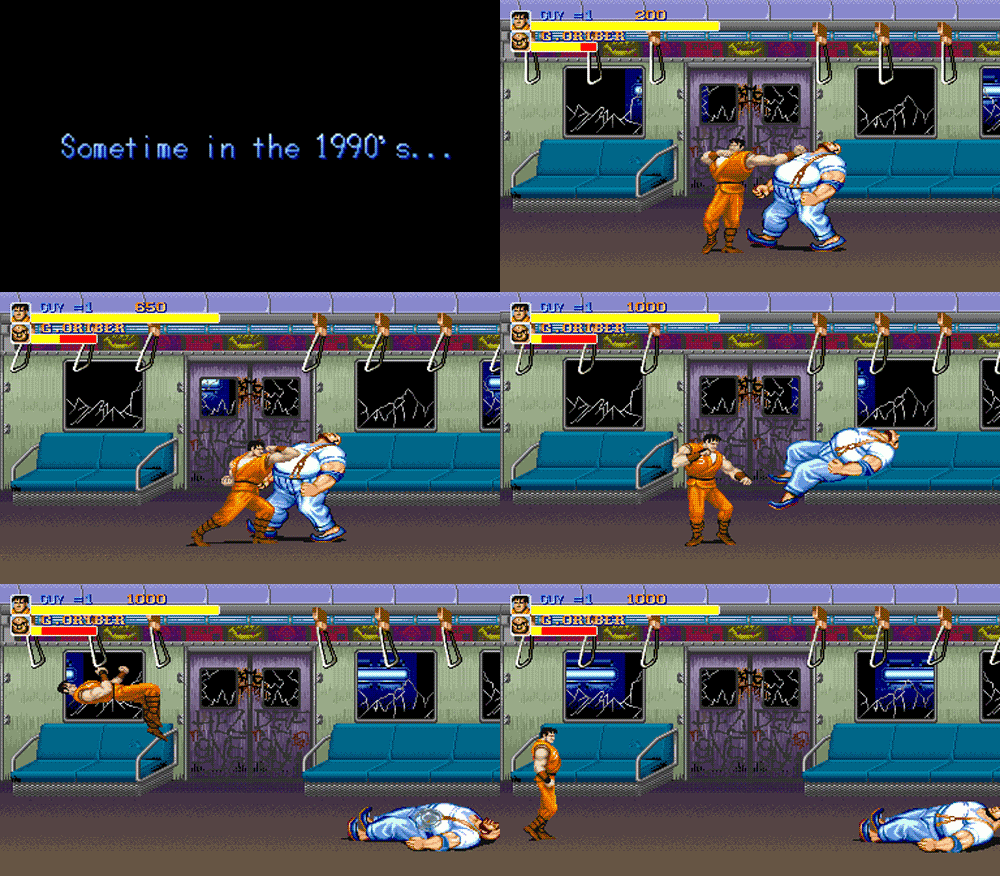
A collection of Gifs from old game Consoles
A selection of gifs I've put together of old gameboy games, and nitnedo cartridge game menus. The games were produced when animation and moving image in terms of technology were still quite basic in comparison to the growth of what its become at the present day. These simple loops hold so much more information that a flat piece of print!
Design Production for Screen Research
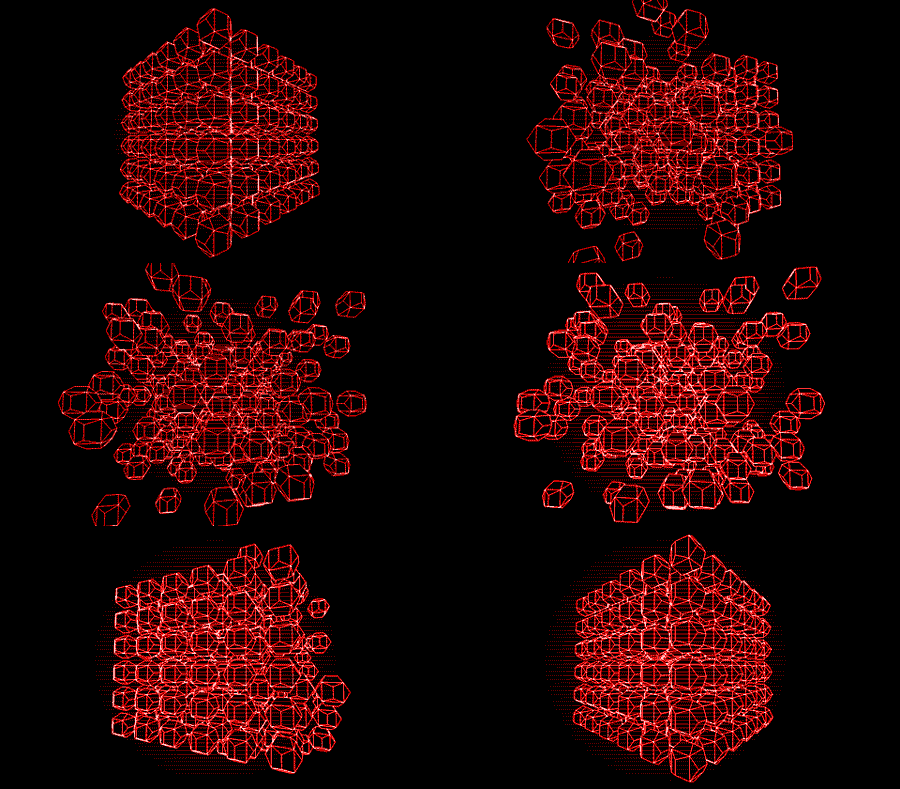
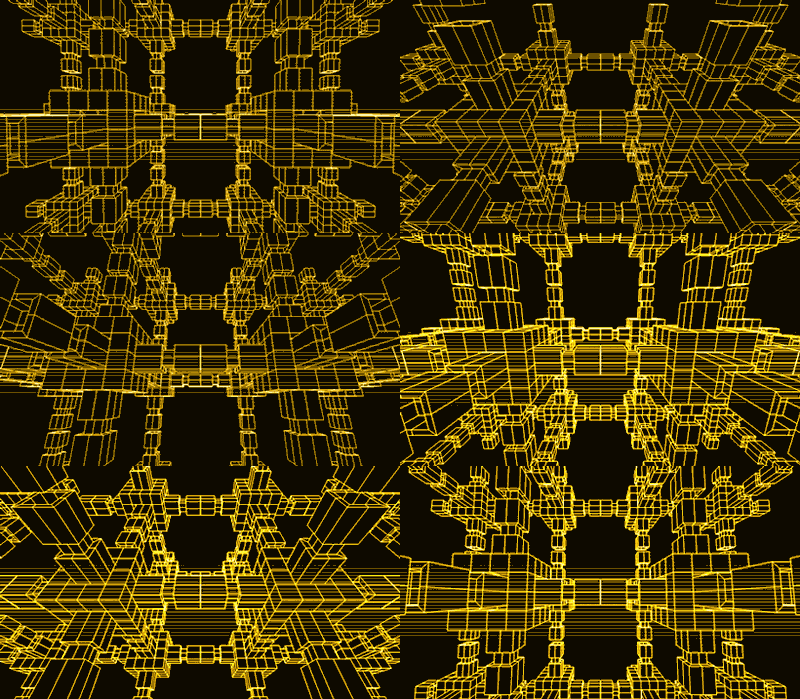
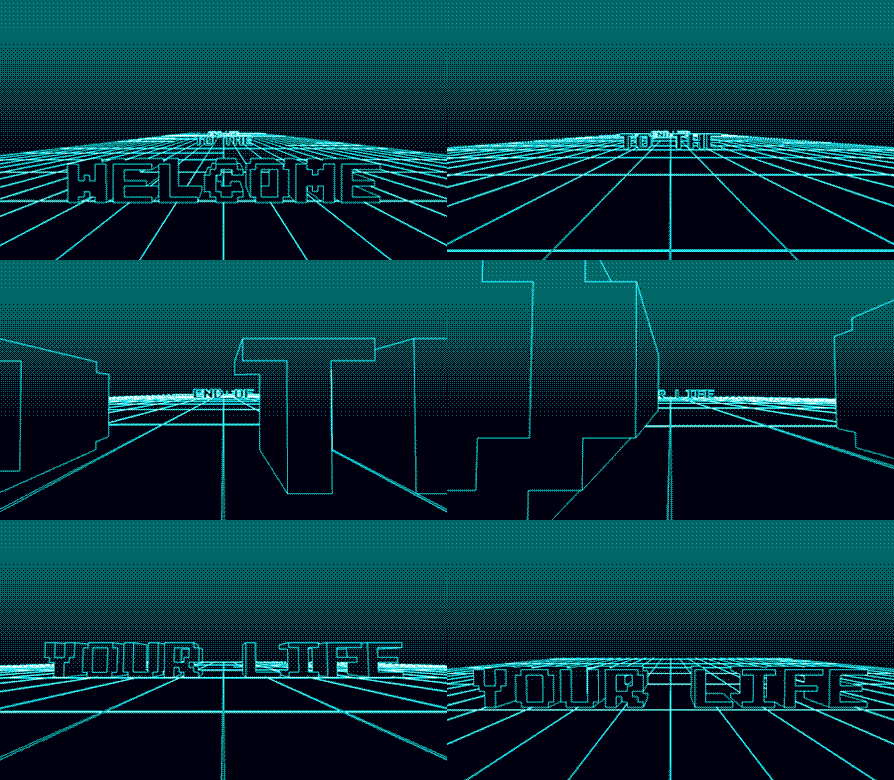
Some more Gifs I've sourced from different places online, mainly looking at other peoples blogs as theirs quite a big community online that appreciate the artwork related to animated gif files. The ones below use lots of technical shapes and line work to construct different moving forms.
Design Production for Screen Research
A selection of Gif's I've found online that relate to moving image, some not necesarrily relating to specifically looking at type but watching these over and over is helping to me understand how frames work to create loops or sequences.
Tuesday, 22 November 2011
Monday, 21 November 2011
Livestrong stages invitation
Invitation to an exclusive art show in
Paris, benefiting the Lance Armstrong Foundation. Custom box with inset
Livestrong band, containing invitation made with two layers of 500 gsm
board with yellow painted edges and one layer of clear acrylic with
screen-printed type.
Very big influence on the design of my box, I really appreciate spot varnish, I think it just gives the type a bit more character than usual. It looks professional but at the same time very relaxed in terms of design.
Stock
Just came across this website which has a huge selection of stocks! Need to get ordering!
http://www.thepapermillstore.com/paper/coated-paper
Sunday, 20 November 2011
Lazer Cutting
Laser Cutting is a technology that uses a laser
to cut materials, and is typically used for industrial manufacturing
applications, but is also starting to be used by schools, small
businesses and hobbyists. Laser cutting works by directing the output of
a high-power laser, by computer, at the material to be cut.
The
material then either melts, burns, vaporizes away, or is blown away by a
jet of gas,
leaving an edge with a high-quality surface finish. Industrial laser
cutters are used to cut flat-sheet material as well as structural and
piping materials.
Saturday, 19 November 2011
Spot Varnish Resarch
In offset printing, a spot color is any color generated by an ink (pure or mixed) that is printed using a single run.
The widely spread offset-printing process is composed of four spot colors: Cyan, Magenta, Yellow, and Key (black) commonly referred to as CMYK. More advanced processes involve the use of six spot colors (hexachromatic process), which add Orange and Green
to the process (termed CMYKOG). The two additional spot colors are
added to compensate for the ineffective reproduction of faint tints using CMYK colors only. However, offset technicians around the world use the term spot color to mean any color generated by a non-standard offset ink; such as metallic, fluorescent, spot varnish, or custom hand-mixed inks.
When making a multi-color print with a spot color process, every spot color needs its own lithographic film. All the areas of the same spot color are printed using the same film, hence, using the same lithographic plate. The dot gain, hence the screen angle and line frequency, of a spot color vary according to its intended purpose. Spot lamination
and UV coatings are sometimes referred to as 'spot colors', as they
share the characteristics of requiring a separate lithographic film and
print run.
- Create a new spot color.
In your page layout application, create a new spot color, naming it whatever you want such as “Varnish” or “Spot Varnish.” - Make your new spot color any color.
Although the varnish is actually transparent, for display purposes you can make its spot color representation in your digital file just about any color. - Don't duplicate an already-used spot color.
Choose a color not used elsewhere in your publication. You might want to make it a bright, vivid color just so it stands out clearly on screen. - Overprint your spot varnish color.
Set the new color to "overprint" to prevent the spot varnish from knocking out any text or other elements under the varnish. - Place your spot varnish color in layout.
Create frames, boxes, or other page elements and fill with the spot varnish then place them where you want them. If the page element already has color and you want to apply varnish over it, create a duplicate of the element directly on top of the original. Apply the spot varnish color to the duplicate. - Talk to your printer about spot varnish use.
Always make sure your printer knows that you are using a spot varnish in your publication.
- Don't use a process color swatch for your spot varnish.
Create a spot color not a process color for your spot varnish. In QuarkXPress be sure the Process Separation box is not checked. In Adobe InDesign, choose “Spot” for Color Type (the default is Process). - Talk to your printer.
Consult your printer for any special requirements or suggestions as to how they would like to receive your digital files that have spot varnish colors specified, as well as recommendations for the type of varnish to use for your publication such as gloss or matte. - Spot varnish doesn't show on proofs.
You may be working “in the dark” when using spot varnish. Since a proof is not going to show you how the finished effect will look, you won't know til it's all finished whether or not you got the effect you wanted. - Adding a spot varnish can increase the cost of a job.
Use of a spot varnish adds an extra separation/plate to the printing process so a publication using 4-color process printing now requires 5 plates and a job with 2 spot colors will need a 3rd plate.
Legal Wall Resarch
For the making of my 4 four postcards I needed to select 4 legal graffiti walls in the U.k to advertise, I started looking on forums and blogs for the best places to paint and the four places I selected are below. For my research I would need to find out the addresses of each place, give them a rating, and device some local info on what its like as a place to paint.
Lakeside Graffiti Wall
a huge wall next to river thames. 1.6 miles (2.6 km) long! 6.5 feet high.
exit junction 30 of M25. nearest rail station: chafford hundred.
Lakeside Graffiti Wall
a huge wall next to river thames. 1.6 miles (2.6 km) long! 6.5 feet high.
exit junction 30 of M25. nearest rail station: chafford hundred.
Legal graffiti wall around St Clements Road, Grays, Essex, UK
The Pit - Labroke Grove
It is situated on Wornington Road near the junction with Goldbourne Road. It is in a Basketball court set below pavement level.
Legal graffiti wall around Wornington Rd, Kensington, Greater London W10 5, UK
South Bank London
multiple walls, part of an underground skate spot
Legal graffiti wall around Thames southbank, London, England
Legal graffiti wall around Waterloo Bridge, Lambeth, Greater London, SE1 9, UK
Leeds
230 feet long brick wall. kinda awkward for productions because the wall
is on a gentle slope, so in some places the height of the wall is
'staggered' like steps. i think i've made it sound worse than it is!
Legal graffiti wall around King's Rd, Leeds, Leeds, LS6 1, UK
Tuesday, 15 November 2011
Philly Graffiti Handstyles
Another amazing reference to handstyles within graffiti and graffiti techniques, Just goes to show how trends change from city to city country to country!
Interesting spray painting techinques
Just found this video on youtube, Some amazing can control. I want to talk about flares in my spray painting books, this is an extremely good reference!
Interesting box design
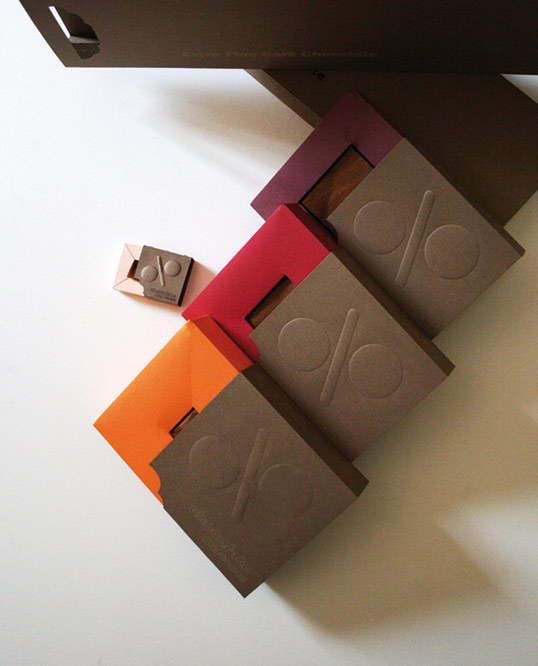
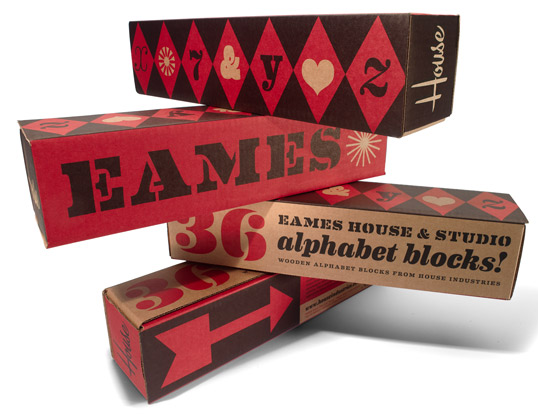
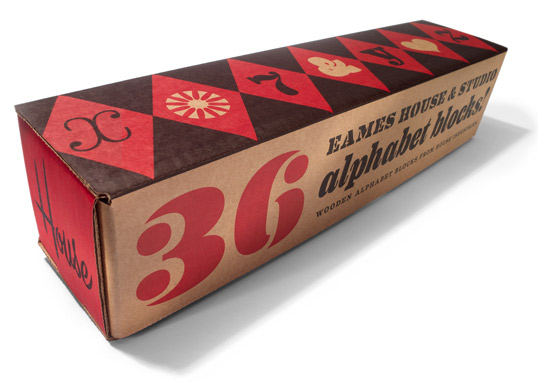
As Ive been designing my housing for my spray paint starter kit, I've gathered some research below on some intriguing packaging design in relation to boxes and draws. This has really helped to to brainstorm ideas and focus what I actually want to make, looking at existing products is such a big help.